Home
Announcements
About
Apps
Pass
Support
View all apps
Browse Guides
Advanced Pasting
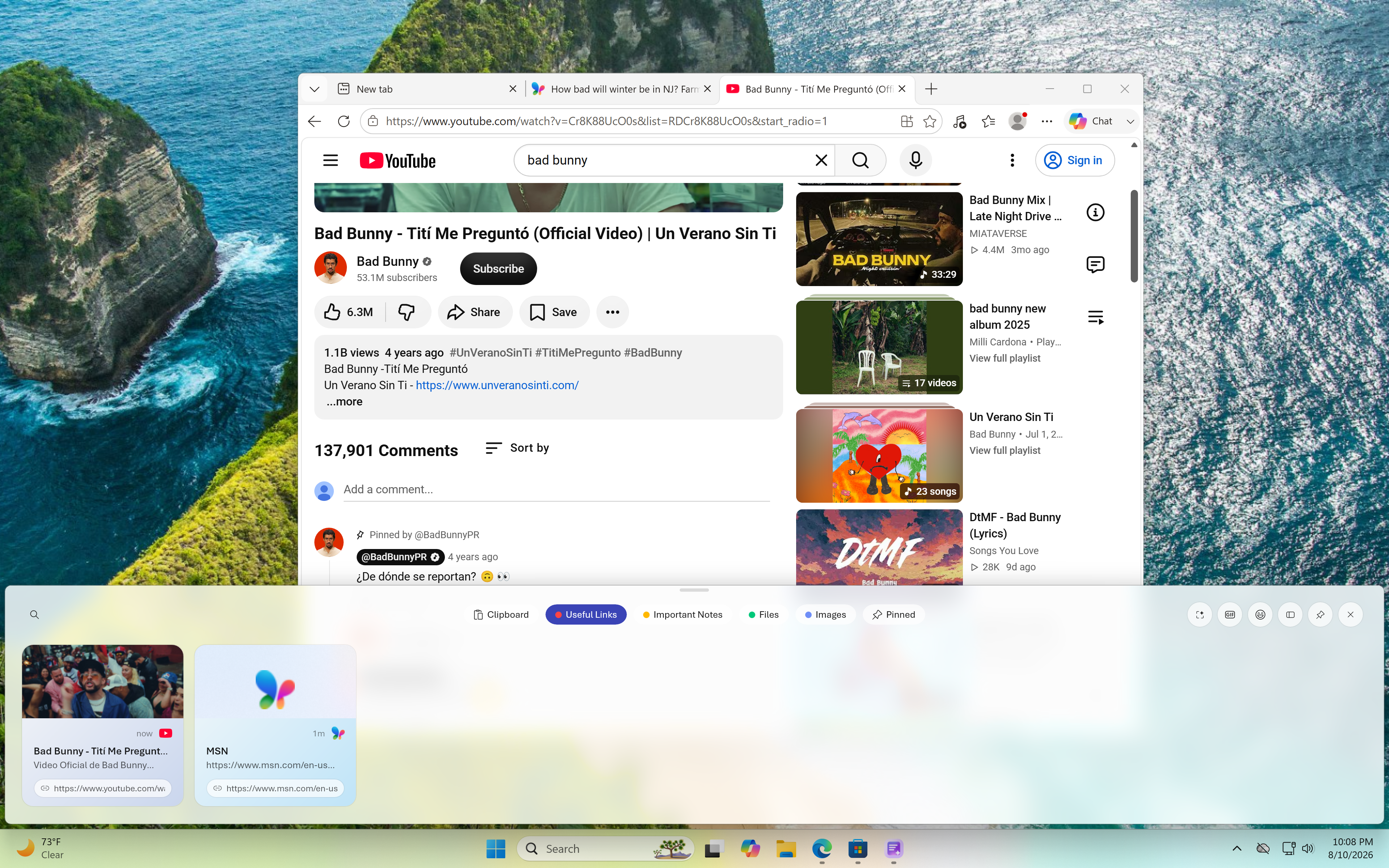
Right-click any clip to view options like paste unformatted and export.
1
Right-click a clip
Open the context menu on any item in your history.
2
Paste unformatted
Strip away all styles, fonts, and colors before pasting.
3
Export and more
Save the clip to a file or access other quick actions.

 View all apps