Home
Announcements
About
Apps
Pass
Support
View all apps
Browse Guides
Installing & Setup
Get ModernPaste running on your Windows machine in minutes.
1
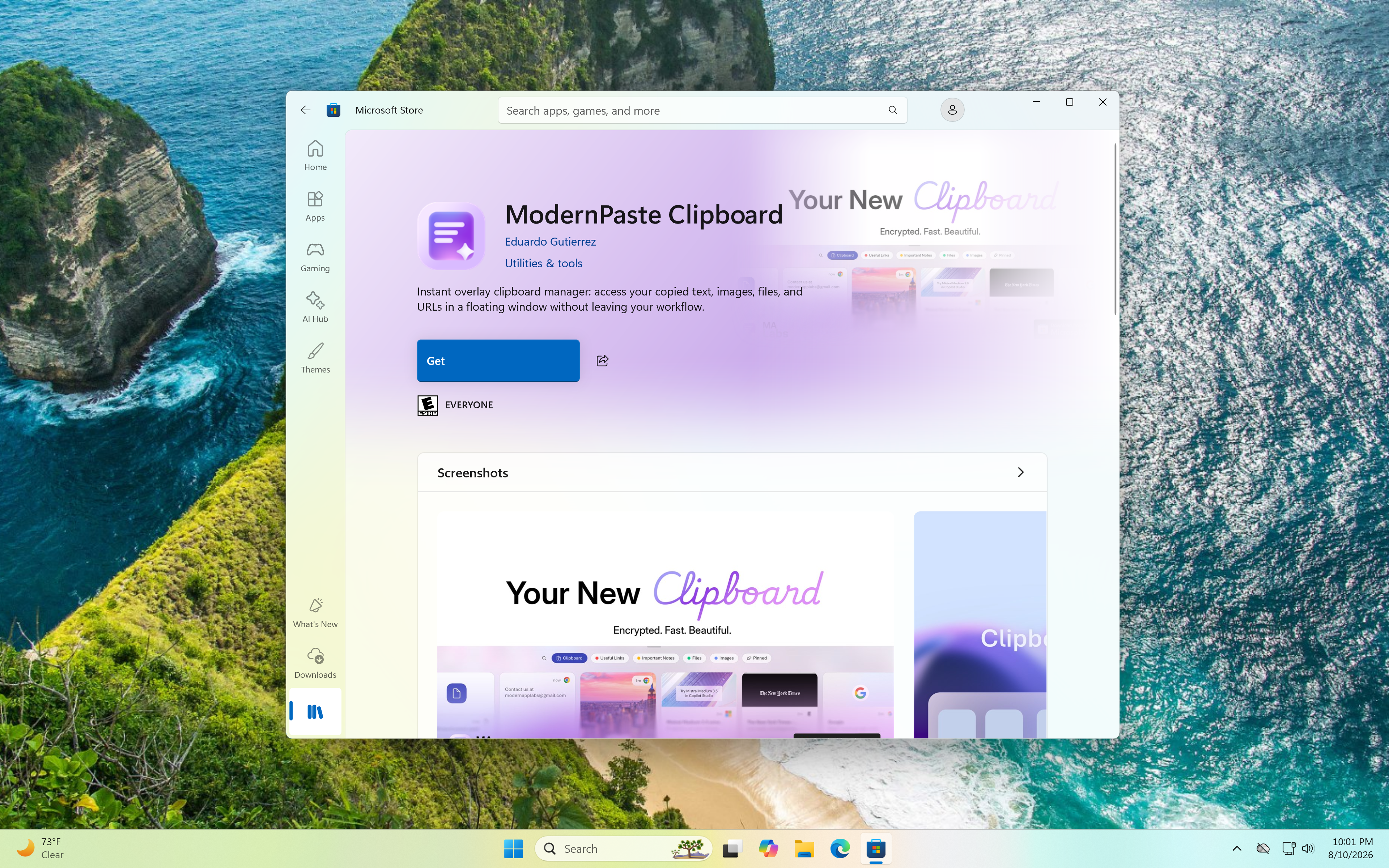
Download the app
Install ModernPaste directly from the Microsoft Store for secure updates.
2
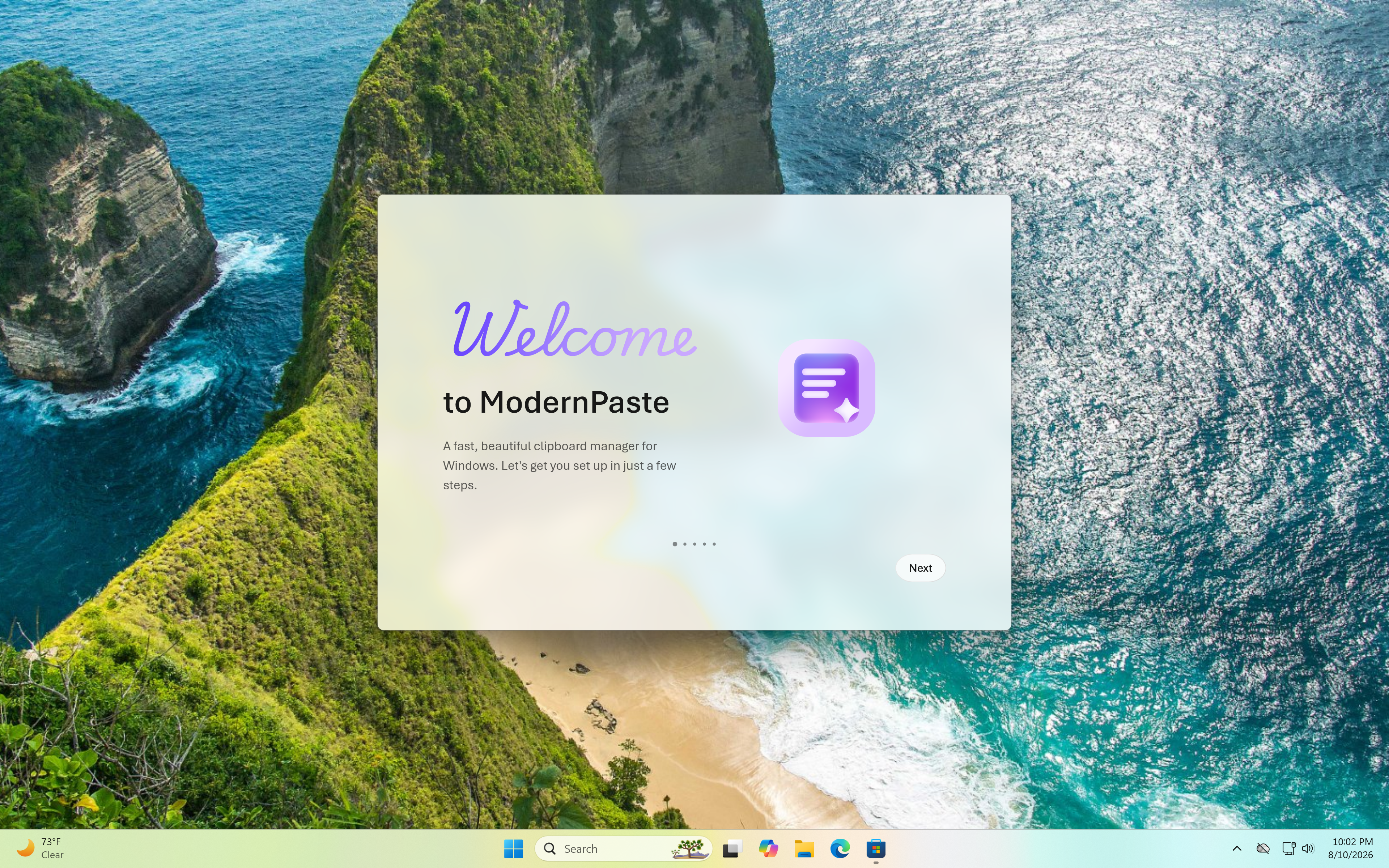
Complete the setup
The app will prompt you to configure basic settings like encryption, Magic Shake, and startup behavior.
3
Configure startup
Enable 'Run at Startup' in settings so it's always ready when you boot up.

 View all apps