Overlay Layouts
Switch between vertical and horizontal views, and search directly within them.
1
Locate the layout toggle
Find the view icon at the top of the ModernPaste overlay.
2
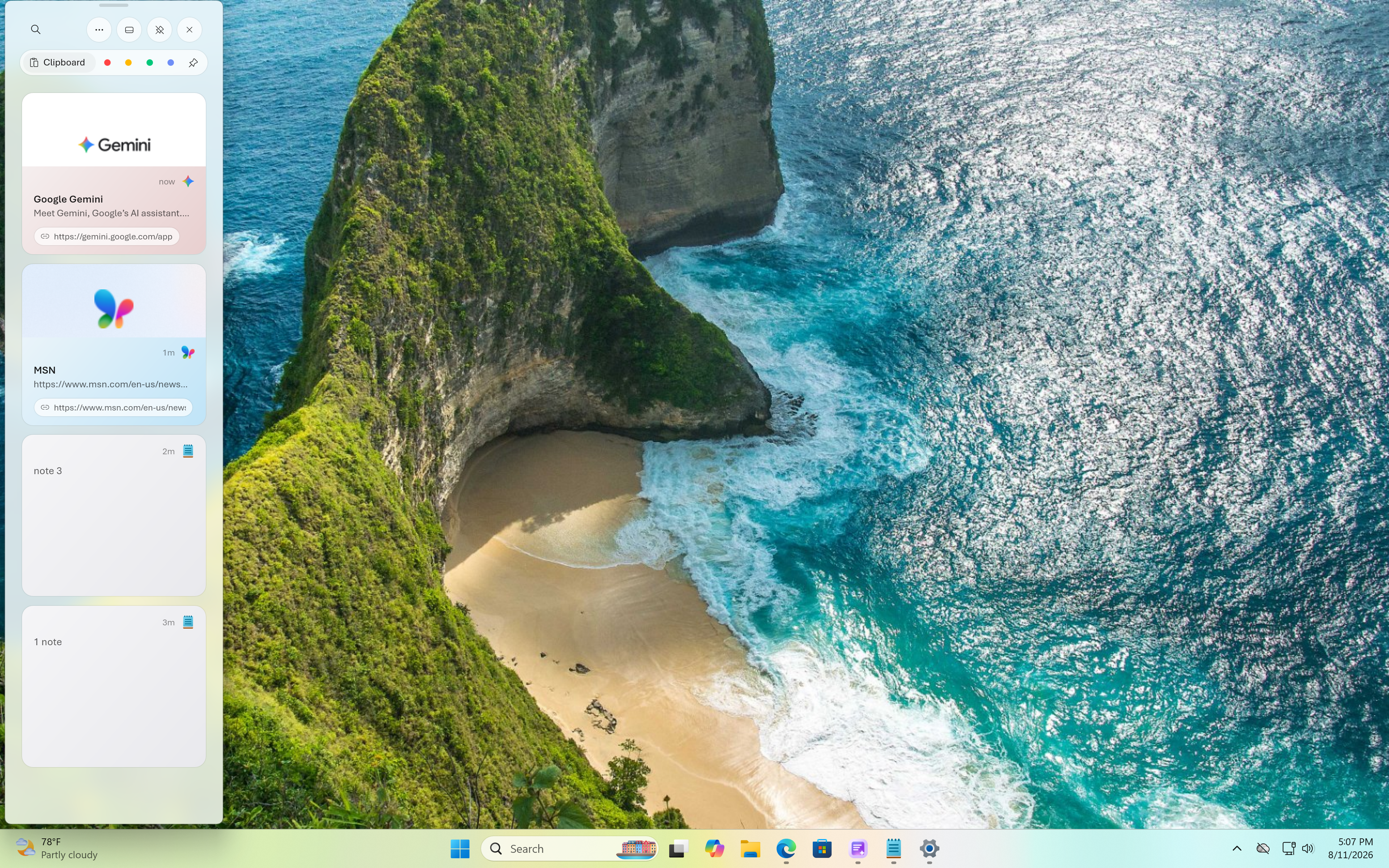
Switch to vertical
Use the classic top-to-bottom list view for easy scanning.
3
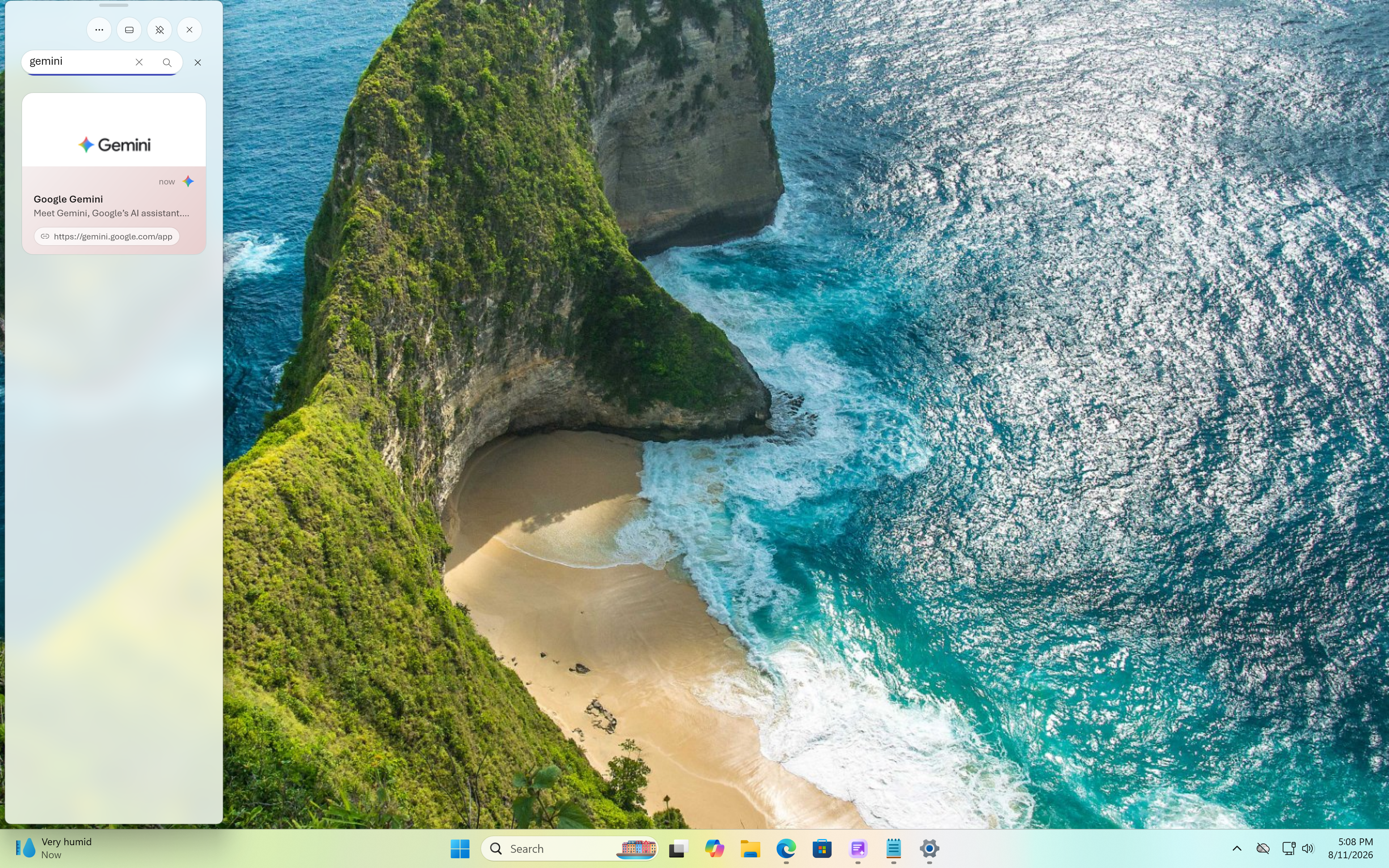
Search in vertical view
Use the search bar at the top of the vertical layout to instantly filter your history as you type.
4
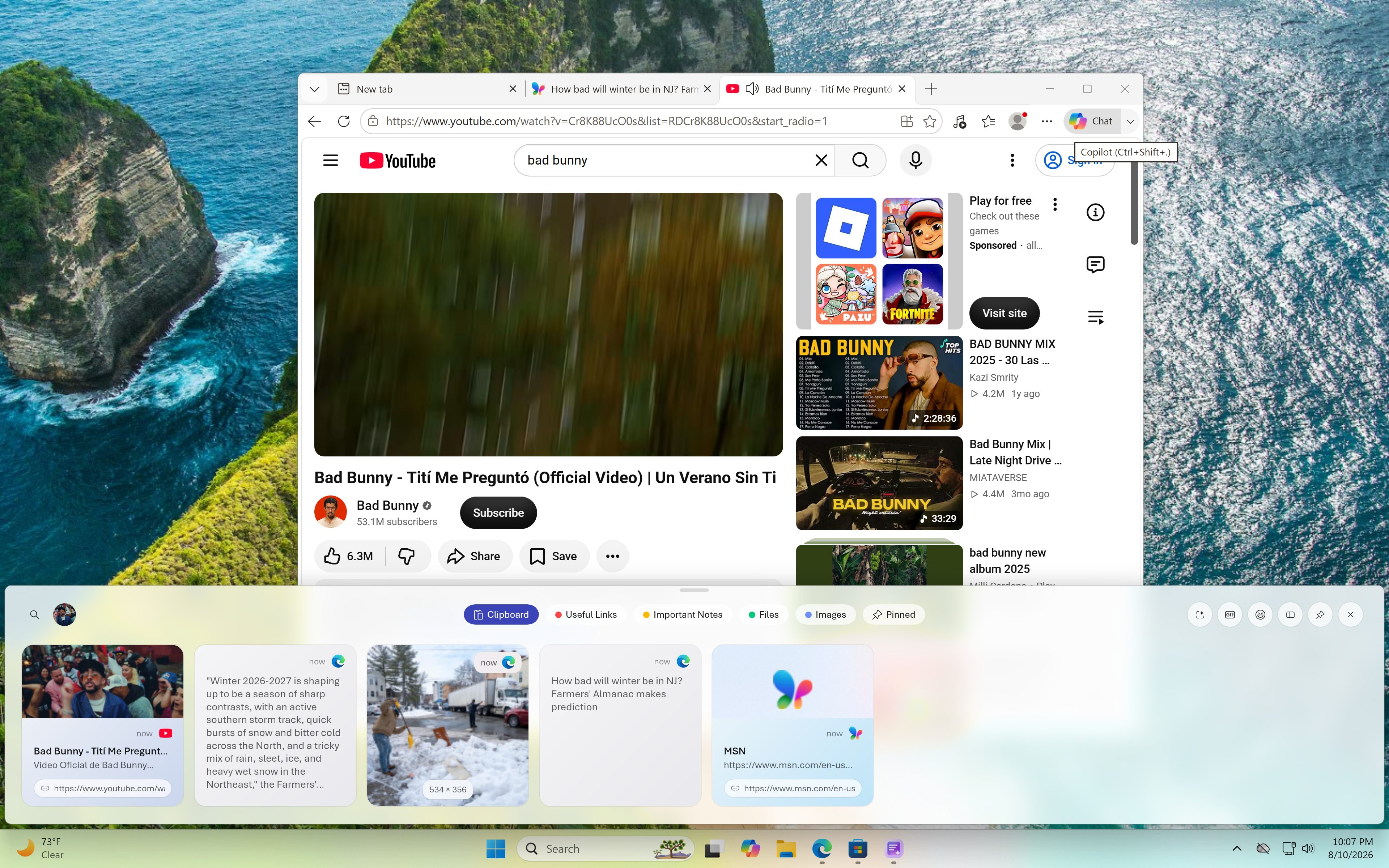
Switch to horizontal
Enable the side-by-side timeline view to see more clips at once.

 View all apps