Home
Announcements
About
Apps
Pass
Support
View all apps
Browse Guides
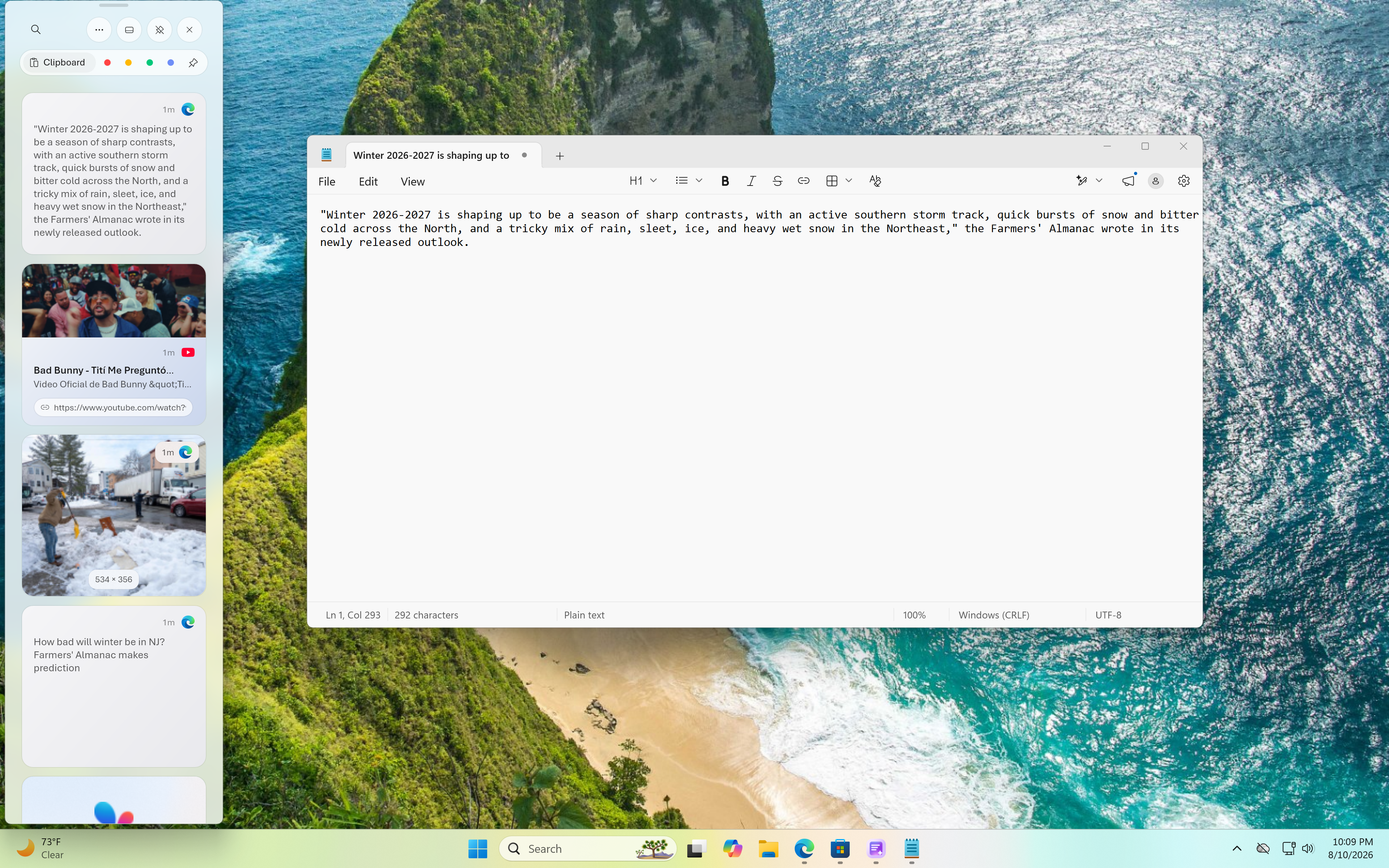
How to Paste
Paste anything from your clipboard history in one click.
1
Open the overlay
Shake your mouse or use your set shortcut to bring up the clipboard overlay.
2
Find your item
Scroll or search through your clipboard history to find what you copied.
3
Click to paste
Click any item and it's pasted directly wherever your cursor is focused.

 View all apps