Home
Announcements
About
Apps
Pass
Support
View all apps
Browse Guides
Pinning Items
Keep your most frequently used snippets locked at the top.
1
Hover over an entry
Find a snippet in your history that you use frequently.
2
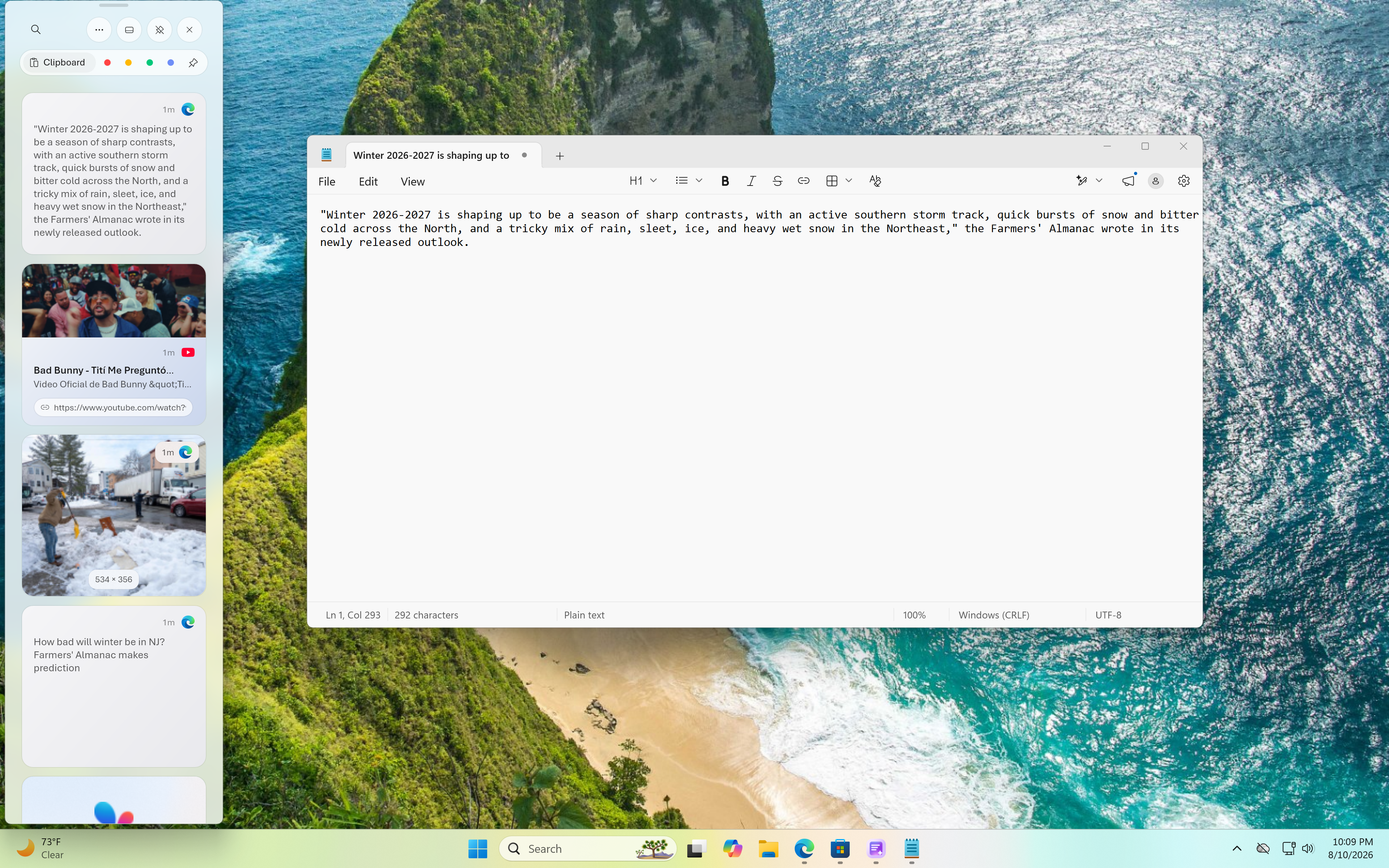
Click the pin icon
Hit the pin button to lock that specific item to the top of your list.
3
Stay locked while you work
The pin button locks the overlay in place, so pinned items are never buried by new copies as you keep working.

 View all apps