Home
Announcements
About
Apps
Pass
Support
View all apps
Browse Guides
Multi-Select
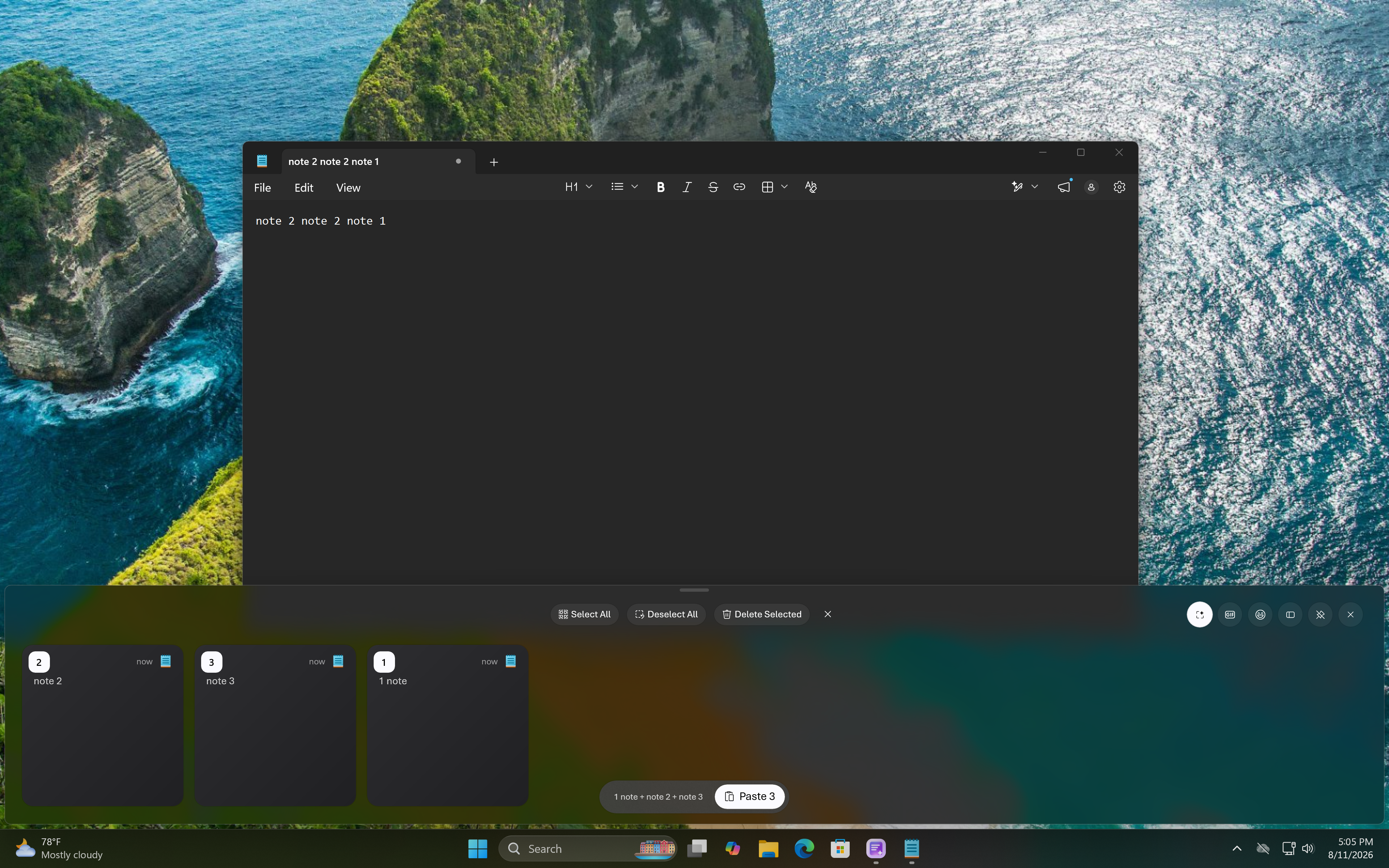
Select multiple clipboard items at once to paste, delete, or organize them together.
1
Enter multi-select mode
Hold Ctrl or long-press an item to start selecting multiple clips at once.
2
Select more items
Click additional clips to add them to your current selection.
3
Paste or manage
Paste everything selected as a single stack, or delete, pin, or move them together.

 View all apps