Home
Announcements
About
Apps
Pass
Support
View all apps
Browse Guides
GIFs & Emojis
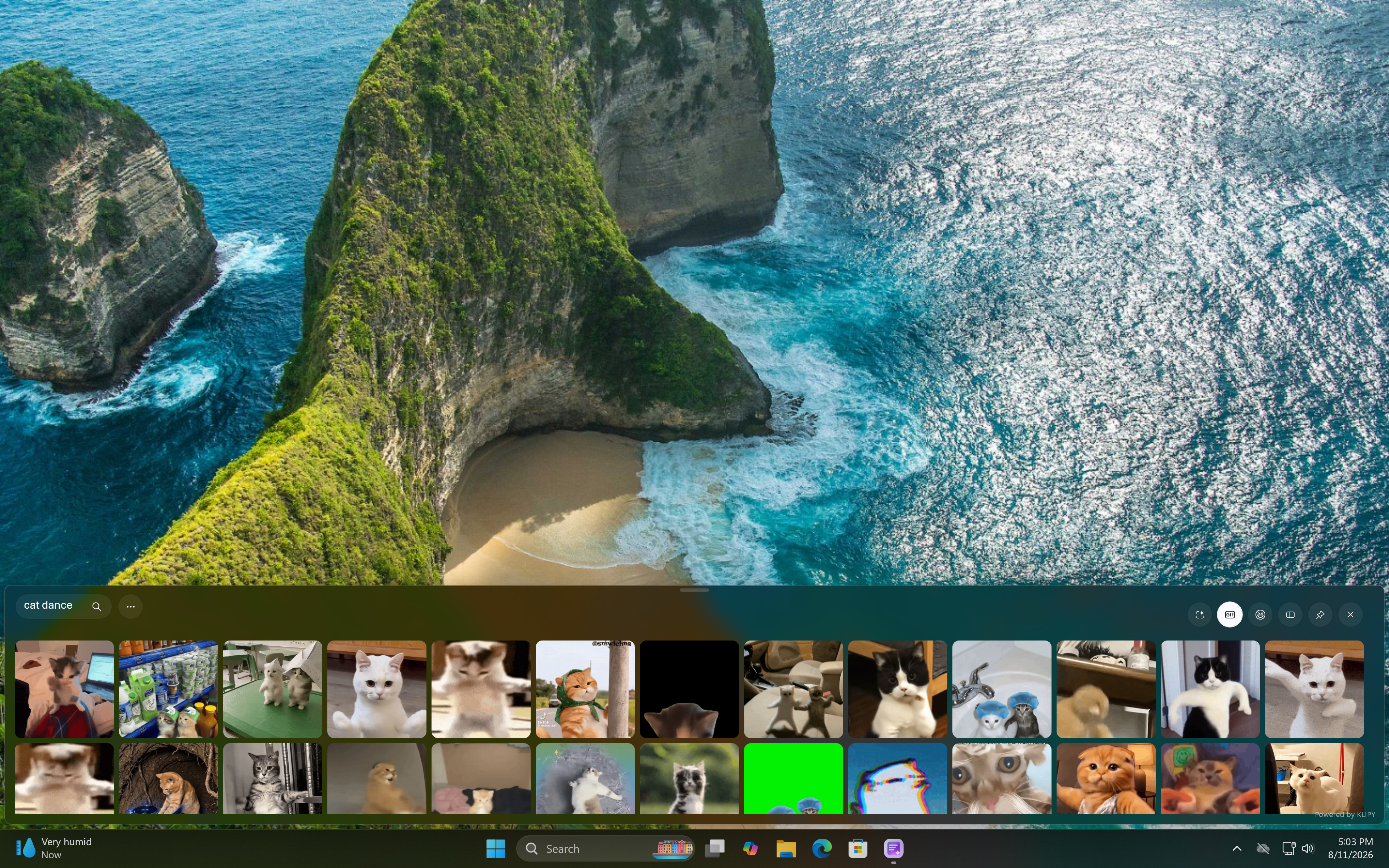
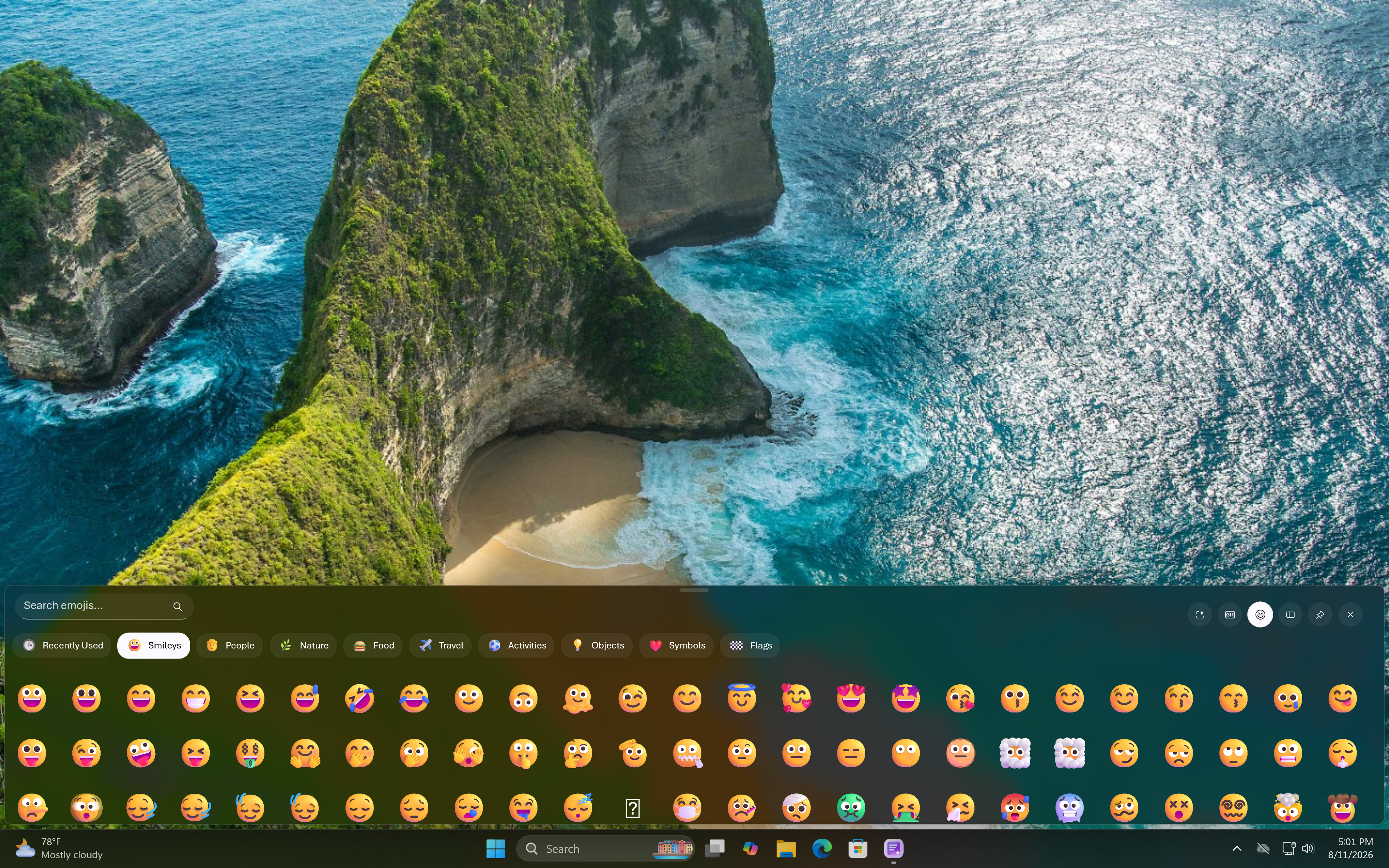
Quickly search and paste the perfect GIF or emoji.
1
Switch between tabs
GIFs and emojis are separate controls — toggle between the two tabs to browse each library.
2
Search or browse recent
Type a keyword to search, or view your recently used emojis for quick access.
3
Select to paste
Click a GIF or emoji to paste it directly into your active window.

 View all apps